
A christening marks a beginning, surrounded by family and love. Godparents make promises, grandparents smile, everyone feels present. But how do you keep all those voices, not just photos? A christening guest book from Vocal Shoot answers exactly that. Guests simply scan a QR code, speak, and smile for a selfie. Instantly, their message becomes a short video souvenir. Over time, this guestbook can even grow into your child’s own life story.
How the Christening Guestbook Works
On the day of the christening, guests simply scan a QR code. This code sits on a presentoir near the entrance. First, each guest accepts the terms, just once. Then, they record a voice message, up to one minute long. Next, they take a selfie right on their phone. If the family activated it, guests can then choose a fun AI style. Afterward, Vocal Shoot generates a short video automatically. This video blends the photo, a waveform animation, and the event name and date. As a result, guests can download or share it instantly. No app, no account: everything happens in the browser.
Voices That Carry Real Meaning
A christening is about transmission, not just celebration. Godparents can record a heartfelt promise for their godchild. Grandparents can share a memory, a blessing, a piece of family history. Parents, aunts, uncles, and friends can all add their own voice. Each message becomes part of a video the child can watch later. Consequently, this guestbook turns into something deeper than a signature book. It becomes a chorus of people who love this child. For inspiration, many families draw parallels with how weddings capture guest voices in a similar way. Because the format stays simple, even shy relatives feel comfortable speaking. In the end, what remains is not paper, but real voices and real smiles. 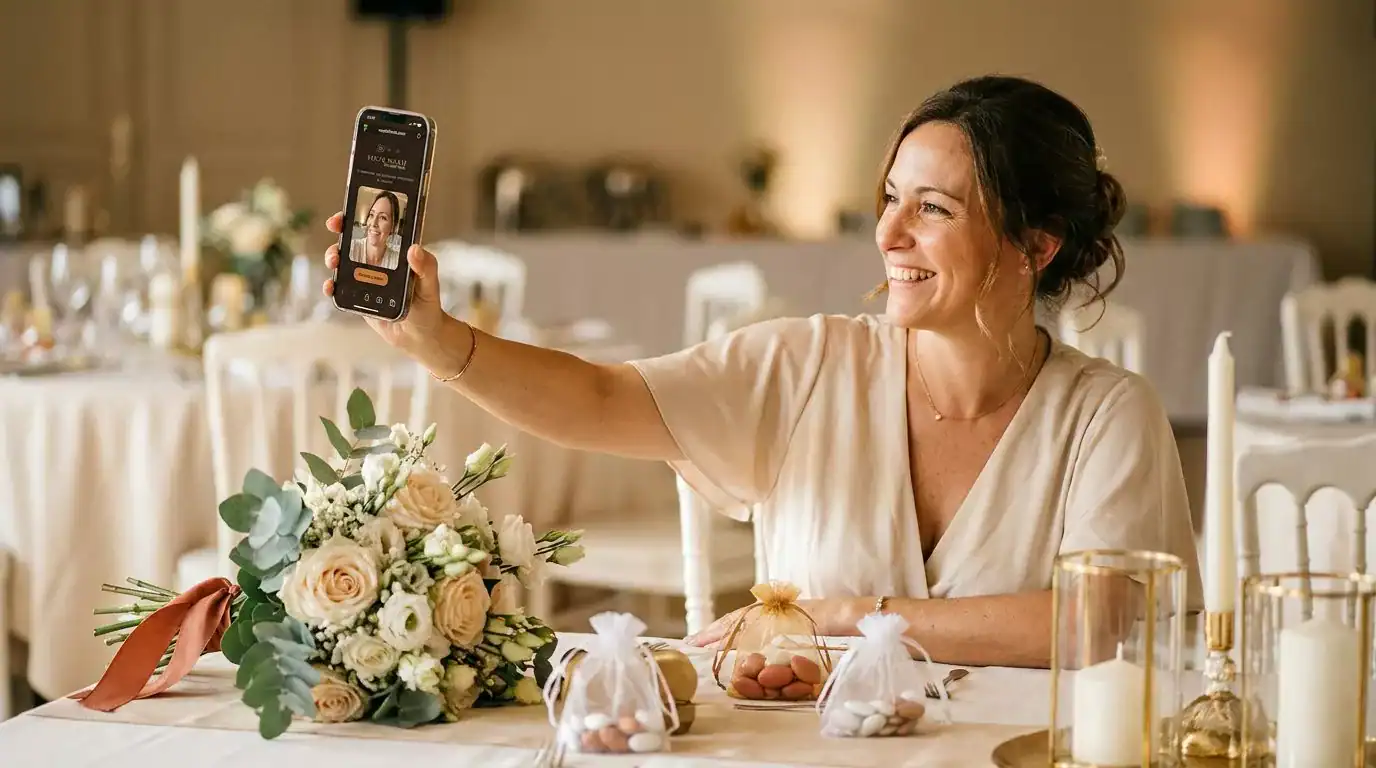
A Memory That Grows Every Year
Some families choose to mark the christening every year. On each anniversary, they gather family again, even briefly. From their account, the organizer can create a new event for that day. This makes it easy to invite everyone to record a fresh message. Over time, these yearly messages build a real digital life story. Godparents can update their promise as the child grows. Grandparents can add new memories year after year. Therefore, the guestbook becomes far more than a single-day souvenir. It turns into a living archive, added to across childhood. This idea works especially well thanks to the duplicate event feature, available in Premium and Pro accounts. Ultimately, the child inherits a collection of voices, not just photos.
A Keepsake You Can Trust and Share
Every message stays safe inside a private gallery. Access requires the password set when the event was created. From there, organizers can download messages one by one. They can also select several and download a full ZIP archive. This makes it simple to keep a permanent copy of every year. For the visual style, several graphic themes let you match your christening’s atmosphere. A printable presentoir also invites guests to scan and participate, right at the reception table. Whether you start small with Free or scale up with Premium or Pro, the guestbook adapts to your family’s needs. In every case, what your child keeps is a story told in real voices.
Create My Christening Guest Book
Questions fréquentes
What exactly is a christening guest book from Vocal Shoot?
It’s a digital alternative to a paper guest book. Guests scan a QR code, record a voice message, take a selfie, and receive a short video souvenir automatically.
Do guests need to download an app to leave a message?
No. Everything happens directly in the phone’s browser, with no app and no account needed for guests.
How long can a voice message last?
Guests can record up to one minute. They can also stop earlier if they prefer a shorter message.
Can guests add a fun photo filter to their selfie?
Only if the organizer has activated AI styles for the event. Otherwise, guests simply send their original photo.
Where do all the messages end up after the event?
They land in a private gallery, protected by the password chosen when the event was created.
Can we build a family archive over several years?
Yes. Many families create a new event on each anniversary of the christening, adding fresh messages every year.
Is there a free way to try it for a christening?
Yes, the Free formula allows one event with up to 25 messages, with a sponsor shown to guests.
What if we want unlimited messages for the whole day?
The Premium formula removes the message limit and any advertising, for a one-time price per event.
Can grandparents who aren’t comfortable with technology still take part?
Yes, the process is simple: scan, speak, smile. No account or app is required at any step.
Can we get a printed sign to place at the reception?
Yes, a printable presentoir is available, showing the QR code and the steps guests need to follow.